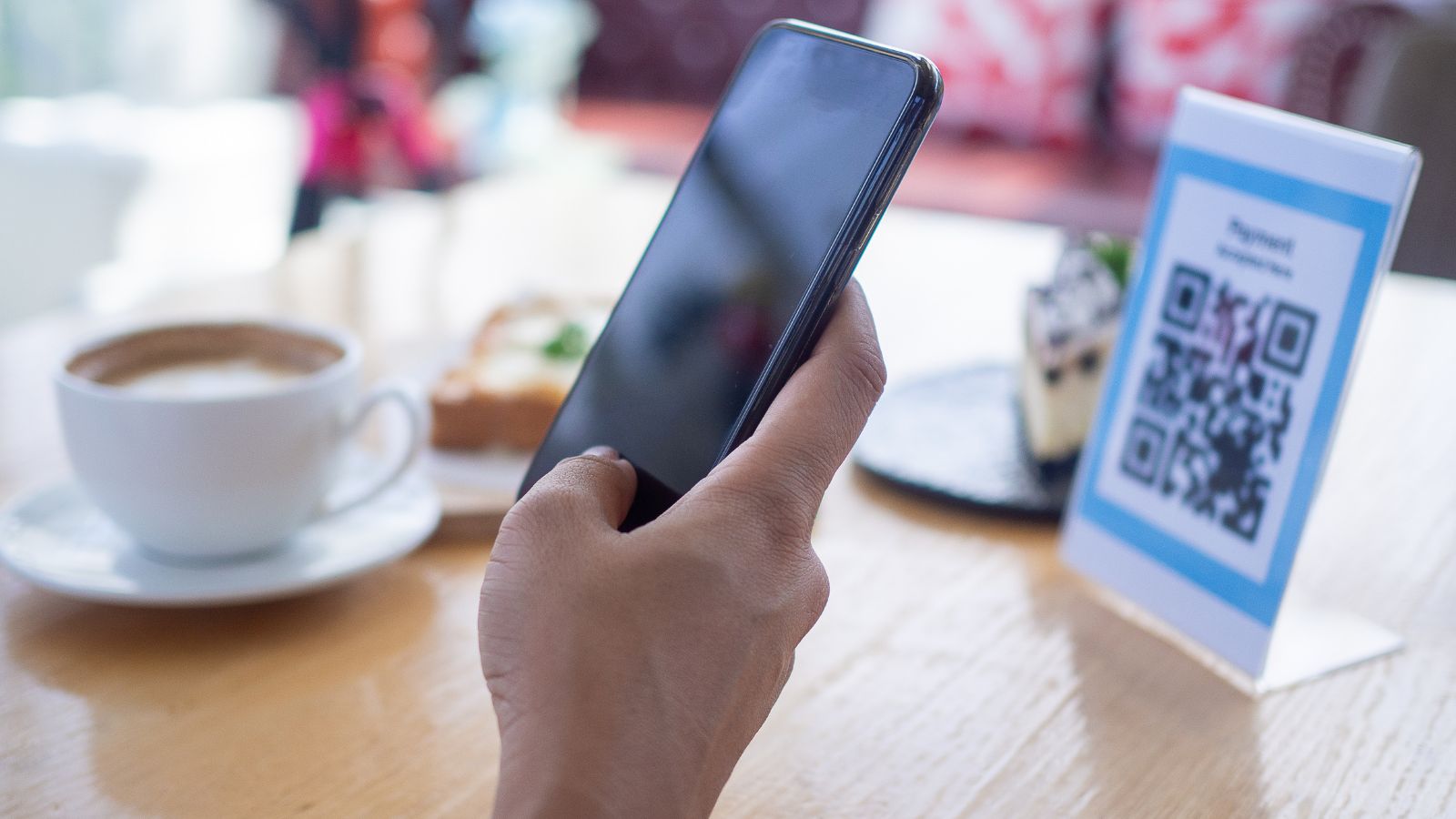
QR codes are everywhere when we travel now — on restaurant tables, parking meters, hotel signs, airports, train stations, and transit machines. This travel scam, known as Quishing or QR code phishing, is becoming the fastest-growing travel scam warning out there. Most QR codes are legitimate, but scammers are using fake QR code stickers and fake payment pages to catch travellers when they are tired, rushed, or distracted.
Key Takeaways
- The QR code travel scam, known as Quishing, uses fake QR codes to steal personal info from travelers.
- Check for suspicious QR codes at restaurant tables, parking meters, and transit stations; they often mimic legitimate codes.
- Always inspect the physical QR code and check the URL before entering any sensitive information.
- If you suspect a QR code is fake, close the page and notify the relevant authorities immediately.
- Stay cautious but don’t avoid QR codes entirely; adopt the habit of pausing, checking, and then paying.
What Is the QR Code Travel Scam?
Quick Answer
A QR code travel scam happens when a fake QR code sends travellers to a fraudulent website. The code may be placed over a real QR code on a parking meter, restaurant table, hotel notice, airport sign, or transit machine — or it may arrive by text or email pretending to be a fine, toll, ticket, or check-in request. The safest rule is simple: Pause. Check. Then pay.
How the Fake QR Code Scam Works
A scammer does not always need to hack a system or damage a payment machine. Sometimes they print a fake QR code sticker and place it directly over a legitimate code.
From a quick glance, the sign still looks official. The logo may look familiar. The instructions may seem normal. The page that opens may copy the colours, layout, and branding of the real company.
You think you are paying for parking, ordering food, checking into a hotel, or settling a toll. Instead, criminals may be collecting your credit card number, password, phone number, licence plate, email address, or other personal information.
The FTC has warned that scammers hide harmful links in QR codes to steal personal information, including by placing fake QR codes over real ones on parking meters. Scammers have also been known to send fake traffic violation texts that include a QR code and try to scare people into paying a fake unpaid balance.
The Three Places Most Likely to Have Fake QR Code Travel Scams
1. Restaurant Tables and Café Menus
Many restaurants now use QR codes for menus, ordering, or payment. Most are legitimate, but travellers should still be cautious. This is one of the easiest targets for QR code phishing because nearly everyone uses these codes without a second thought.
A menu QR code should usually show a menu. Be careful if it asks for information it does not need, such as your passport number, banking details, hotel room number, or a password.
Before scanning a QR code on a restaurant table, look at the surface. Does it look printed into the menu or table sign, or does it look like a sticker placed on top? If it looks raised, crooked, bubbled, or mismatched, ask staff for a printed menu or the restaurant’s official website.
2. Parking Meters, Tolls, and Rental Car Payments
Parking is one of the easiest places for this scam to work because travellers are often rushed and confused.
You may not know the local parking app. You may be dealing with another language. You may be worried about getting a ticket. That pressure makes a “scan to pay” sticker feel helpful.
Before paying through a parking QR code, inspect the sticker, read the URL preview, and check whether the payment page matches the city, parking authority, or official app named on the machine.
If anything feels off, do not use the QR code. Type the official website yourself, use the official parking app, pay at the machine, or ask local staff for help.
3. Airports, Train Stations, Hotels, and Transit Areas
Airports and transit stations are full of QR codes: Wi-Fi, directions, tickets, luggage storage, forms, lounge access, and service information. Travel scams often happen when travellers are in a hurry — if you need Wi-Fi, a taxi, or food, QR codes are an easy way to get caught off guard.
That does not mean every code is unsafe. It means you should slow down when a public QR code asks for payment, passwords, ID documents, or personal information.
The FBI warns that criminals can tamper with QR codes to redirect payments, steal login and financial information, or send people to malicious websites that may embed malware.
The Simple QR Code Scam Rule: Pause. Check. Then Pay.
The easiest way to avoid this scam is to build one habit before you scan a public QR code.
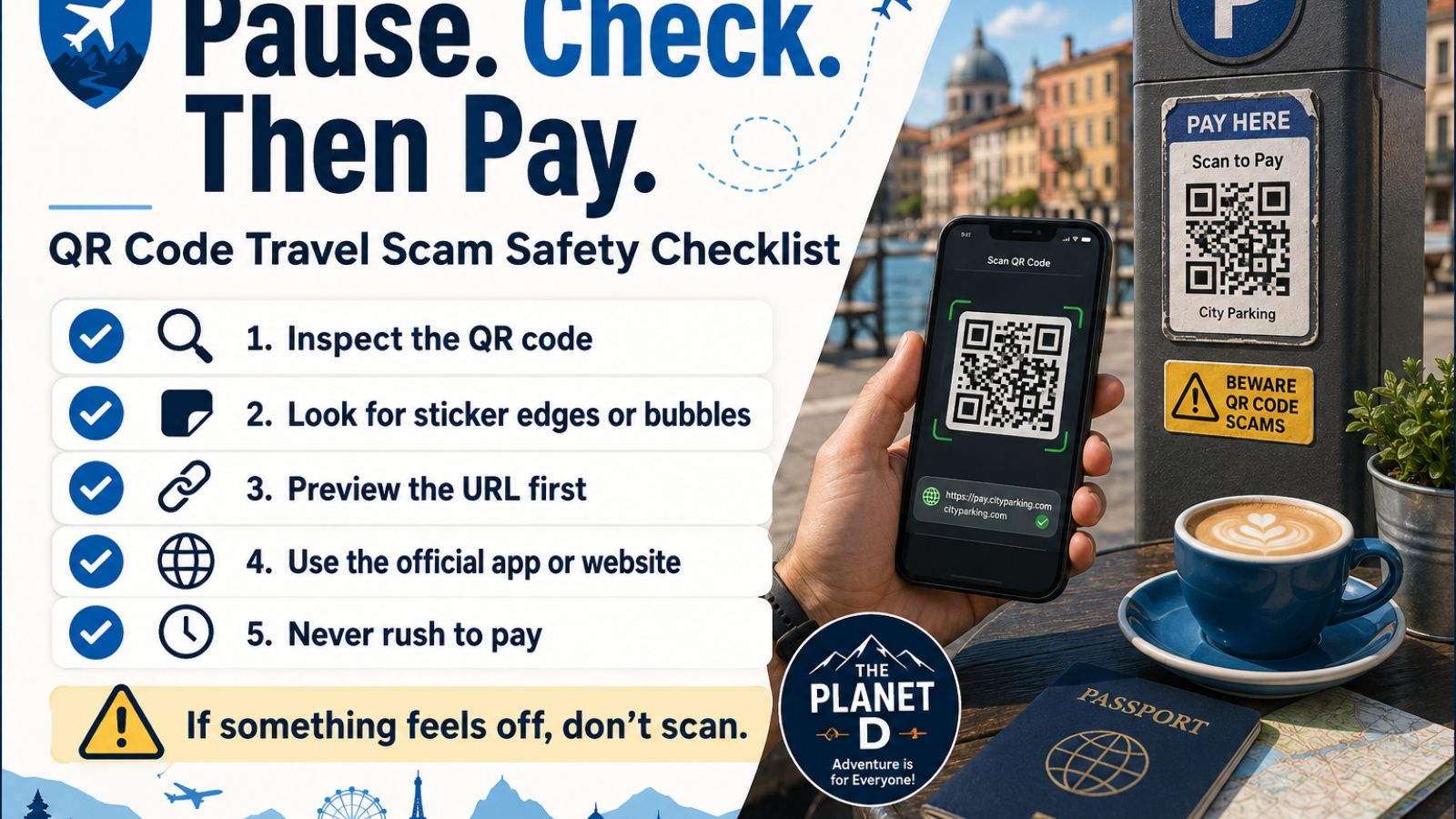
Pause. Check. Then pay.
Step 1: Pause Before Scanning
Do not scan just because a sign looks official. Public signs, parking meters, table cards, and posters can be tampered with.
If the message says you must pay immediately, avoid a fine, settle a toll, confirm a booking, or prevent a penalty — slow down. Urgency is one of the biggest warning signs.
Step 2: Check the Physical Code
Before your phone opens anything, look at the QR code itself.
Check for:
- Raised corners
- Air bubbles
- Peeling edges
- Mismatched colours
- Different paper or plastic
- A sticker placed over another code
- A code that looks crooked or out of place
Think of this as the scratch test — you are not damaging the sign, you are simply checking whether the QR code feels or looks different from the rest of the surface.
Canadian readers can also check the Canadian Centre for Cyber Security’s QR code safety guidance and report fraud through the Canadian Anti-Fraud Centre.
Step 3: Check the URL Before Entering Anything
Once your phone scans the code, a URL preview will usually appear before the page opens. Read it carefully. Look for misspellings, extra characters, unusual domain endings, or anything that does not match the official name of the company or service.
A legitimate parking payment page for a city in Spain, for example, should not be hosted on a random domain with no connection to the city or parking authority. If the URL looks unfamiliar or suspicious, close it before entering any information.
Step 4: Think It’s a Scam? Go Directly to the Official Site or App
If you are not confident the QR code is legitimate, skip it entirely. Search for the official website yourself, download the official app from a trusted app store, or pay using another method. A few extra minutes is worth protecting your credit card and personal information.
What to Do If You Already Scanned a Suspicious QR Code
If you scanned a code and entered personal or payment information before realising something was wrong:
- Close the page immediately
- Do not submit any further information
- Contact your bank or card provider to flag the transaction and request a new card if needed
- Change any passwords you may have entered
- Report the scam to local authorities and, if relevant, to the FTC at reportfraud.ftc.gov or your national consumer protection agency
How to Tell a QR Code Scam From a Legitimate Code
| Legitimate QR Code | Suspicious QR Code |
|---|---|
| Printed into the sign or menu | Looks like a sticker placed on top |
| URL matches the known official brand | URL is misspelled or unfamiliar |
| Asks only for relevant information | Asks for passwords, IDs, or extra personal details |
| No unusual urgency | Creates pressure to act immediately |
Should You Stop Using QR Codes When Travelling?
No. QR codes are a normal and useful part of travel. The goal is not to avoid them but to scan them with a moment of awareness rather than on autopilot.
Is scanning a QR code dangerous?
Scanning a QR code alone is generally low risk. The risk increases when you enter personal or payment information on the page it opens. Always check the URL and the page before submitting anything.
How do I check if a QR code is safe?
Look at the physical code for signs of tampering, read the URL preview before the page loads, and verify that the page matches the official branding and domain of the expected service.
What should I do if a QR code asks for payment?
Pause before entering your details. Check the URL, confirm the page matches the official service, and consider whether an alternative payment method — such as the machine itself, an official app, or a direct website — is available.
What should I do if I fell for a travel scam and entered my credit card on a fake QR code site?
Contact your bank immediately to report the charge and request a replacement card. File a report with your national fraud authority and, if you also entered a password, change it on every account where you use that same password.
QR codes have made travel more convenient, but that convenience comes with a small added responsibility. One extra moment to pause, check the code, and verify the URL before you pay is all it takes to keep your money and personal information safe on the road.